
Image Concept Builder
Create campaign visuals, refine product imagery, remove distractions, improve detail, and produce polished image assets faster.


The page presents capability, scale, and workflow confidence before a visitor opens Studio.
Generate polished concepts and campaign visuals from text
Change objects, scenes, composition, and backgrounds
Improve clarity, resolution, texture, and presentation
Remove unwanted details and prepare final-use assets
Focused homepage narratives, curated workflows, and model-ready Studio paths are designed as one premium product surface.
Each template keeps its own visual story, category focus, and workflow gallery while using the same product foundation.

Turn prompts and references into campaign art, brand visuals, product scenes, and creative explorations.
Replace, remove, relight, and refine visual elements through focused editing workflows.
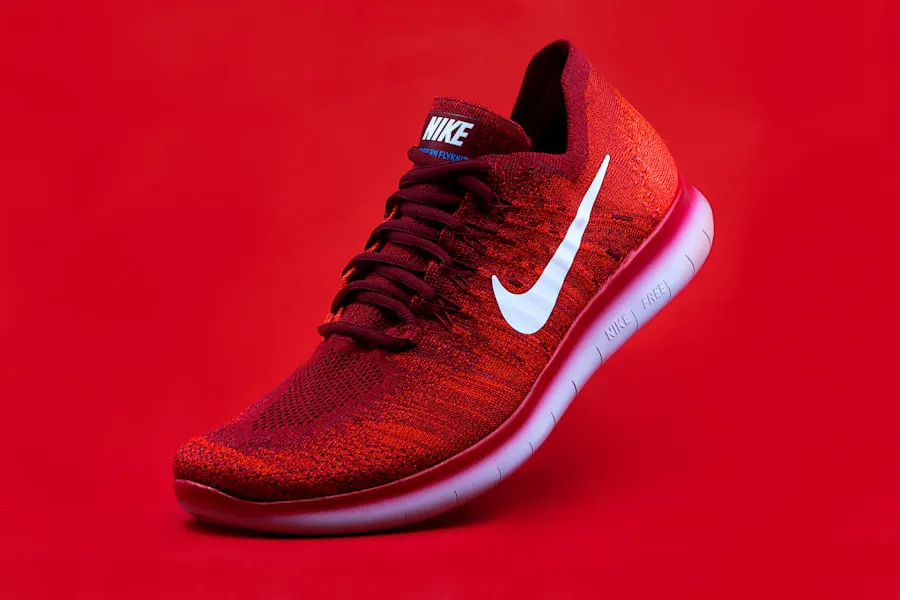
Upscale, retouch, stylize, and clean images so the output feels ready for presentation or publishing.
Use cases make the template feel specific before visitors browse the workflow gallery.
Generate campaign artwork, concept images, and branded scenes.
Change objects, backgrounds, lighting, and composition naturally.
Remove distractions and refine details for production use.
Enhance resolution, clarity, and texture for final delivery.
The page explains the product in a predictable sequence, so visitors know what to do before they start creating.
Use text, a reference image, or an existing asset as your base.
Select generation, object removal, relighting, upscaling, or restyling.
Adjust the visual direction until the asset fits your use case.
Prepare images for campaigns, products, profiles, or publishing.
Eight selected image workflows for generation, editing, cleanup, enhancement, and visual variation.
Preparing curated app examples for this homepage.
Browse image applications or open Studio to test a prompt, reference, or editing workflow.